Glenn recording one of his online AutoCAD training courses
Hi everyone! Glenn here.
I’ve been using AutoCAD for almost 2 decades. I’m an AutoCAD Certified Professional, and I’ve created or re-designed more than a dozen CAD systems in a number of industries. It’s become a bit of a speciality of mine, so I’d like to share this unique skill with your business.
What does it involve? Well, it depends where you’re at with your CAD system.
The most important thing to remember with your plans is this:
Your plans affect the impression your customer has about your business.
This is where we come in.
OK, a couple of quick examples.
Let’s say you’re a sparkie.
You only need to produce as-wired plans for a few jobs each month, so you “borrowed” a CAD template from your previous employer (hey, we’ve all done it!), added your logo, and that’s what you’ve used ever since.
Then you see a plan from one of those big electrical installers, and it looks incredible.
Remember – your plans affect the impression your customer has about your business.
This service is all about bringing your plans up to that standard, with absolutely no extra work required from you.
In fact, I’ll probably be able to make it quicker and easier for you to draft your plans.
Surveying companies
In Surveying, survey data import programs like Trimble Connect or LisCAD should give you the standard survey symbols for industry-standard plans.
But what about trees? What about a symbol for a clothes line?
What about the font that you’re using?
In almost 20 years of drafting, I’ve gotten very familiar with how symbols and fonts look, and which ones will be too hard to read when they’re printed off and photocopied 6 times.
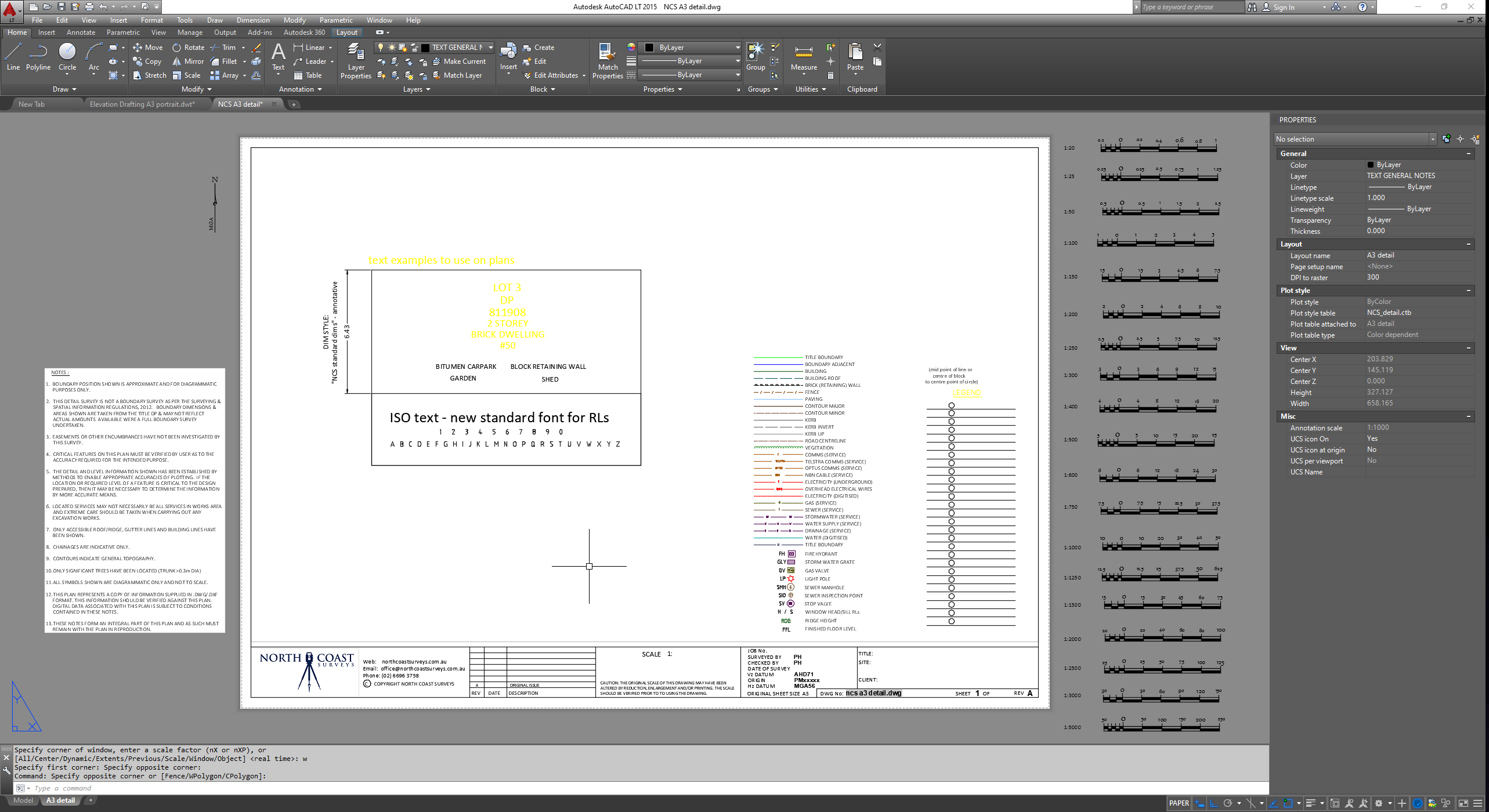
The image below is a CAD System that I designed for a new Surveying business.
New template, full set of scale bars to the right, full set of layers, linetypes and symbols, plus recommending the standard font that he should use.